Dimitris1
Verified User
Hi there,
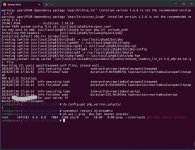
I install php 8.3 via
following this guide
https://docs.directadmin.com/webser...elect-between-multiple-different-php-versions
If you want to continue using LSPHP as PHP Mode,
then you need to skip this command: da build set php1_mode php-fpm
because i use OpenliteSpeed as web server. = php1_mode = lsphp
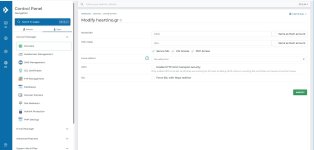
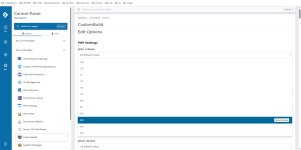
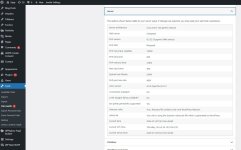
but after finish the setup , i can't see the php selector .. please look at screenshots
I install php 8.3 via
Code:
cd /usr/local/directadmin
da build set php1_release 8.3
da build php
da build rewrite_confs
following this guide
https://docs.directadmin.com/webser...elect-between-multiple-different-php-versions
If you want to continue using LSPHP as PHP Mode,
then you need to skip this command: da build set php1_mode php-fpm
because i use OpenliteSpeed as web server. = php1_mode = lsphp
but after finish the setup , i can't see the php selector .. please look at screenshots