staff_nowa
Verified User
I still don't have firewall access in the old design GUI. Will it be fixed?

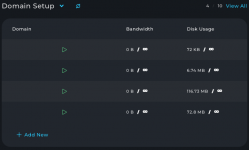
well said!! we need an option to hide the menu other wise the "Refreshed" skin is totally unusable for users that do not have huge ultra wide screens.@fln I don't understand the point of having the menu fixed, when everything is there on the right hand side in the icons? can we at least hide the menu please?
it seems really backwards to restrict the overall view, it just makes things harder? I hope others agree.
Yes@exlhost, thanks for reporting it. Could you please add more details in which layout and location the login-as button is miss-behaving? We are not yet able to reproduce it.

SMTP_BLOCK=0 in /etc/csf/csf.conf it will get reset to SMTP_BLOCK=1 on any of the following CustomBuild commands/actions:da build csf_confda build csfda build imapsyncda build litespeedda build rspamdda build all
Everything or only partly? Because one should be able to make customisations to the csf.conf file like custom ports, logs and other settings.because all of these commands updates CSF config.
LF_IPSET, SMTP_BLOCK, RESTRICT_SYSLOG and TESTING flags and adds missing allowed ports in csf.conf. CB also ensures root outbound connections are not blocked and merges configure/csf.pignore or custom/csf.pignore into /etc/csf/csf.pignore.
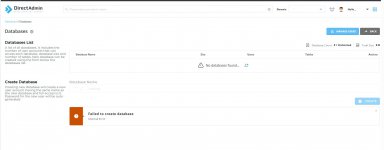
journalctl -u directadmin --since todayThe error I found is:@sufiyanshaikh, internal server errors are not reported directly to the clients in GUI, you can check them out in DirectAdmin logs with commandjournalctl -u directadmin --since today

 forum.directadmin.com
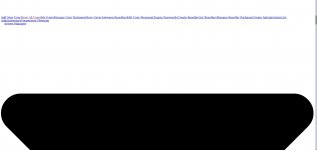
after DA update - something happend with skin.
clearing browser cache didn't help, tried open it in anonymous tab, in opera/firefox - same.
on this exact PC browsers old versions (firefox 88, ubuntu 16), but problems only with DA skin after update.