
Hello DA Team.
Mailing Lists
> How can I exclude Majordomo Archives in the backup?
> DA Majordomo purge automatically?
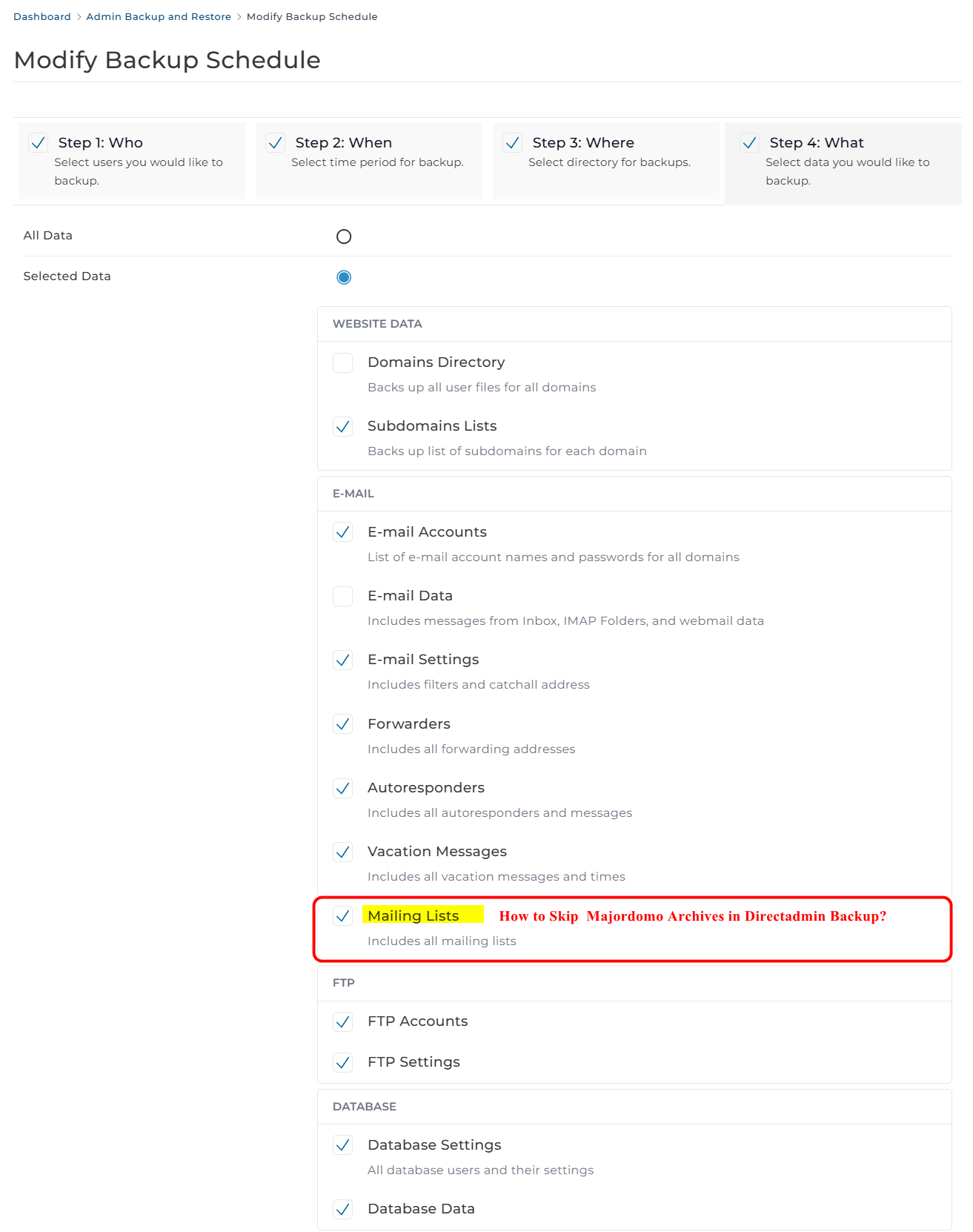
How can I exclude Majordomo Archives in the DA Admin Backup and Restore?
I would like to back up only the mailing list configuration and subscriber email lists, without including the Majordomo archives.
How can this be configured?
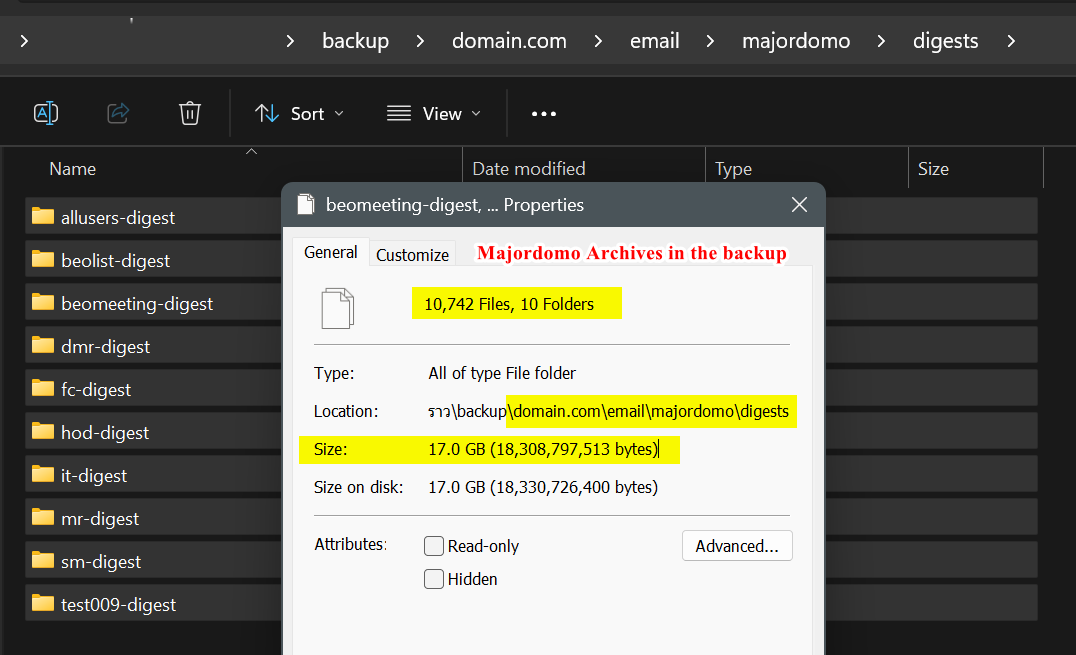
In Admin Backup and Restore > Mailing Lists, the backup currently includes:
I suggest adding a “Mailing Lists Data” option to the Admin Backup and Restore feature. This would improve flexibility by allowing administrators to back up only essential mailing list data without the archives, resulting in more efficient and manageable backups.
DA Majordomo purge automatically?
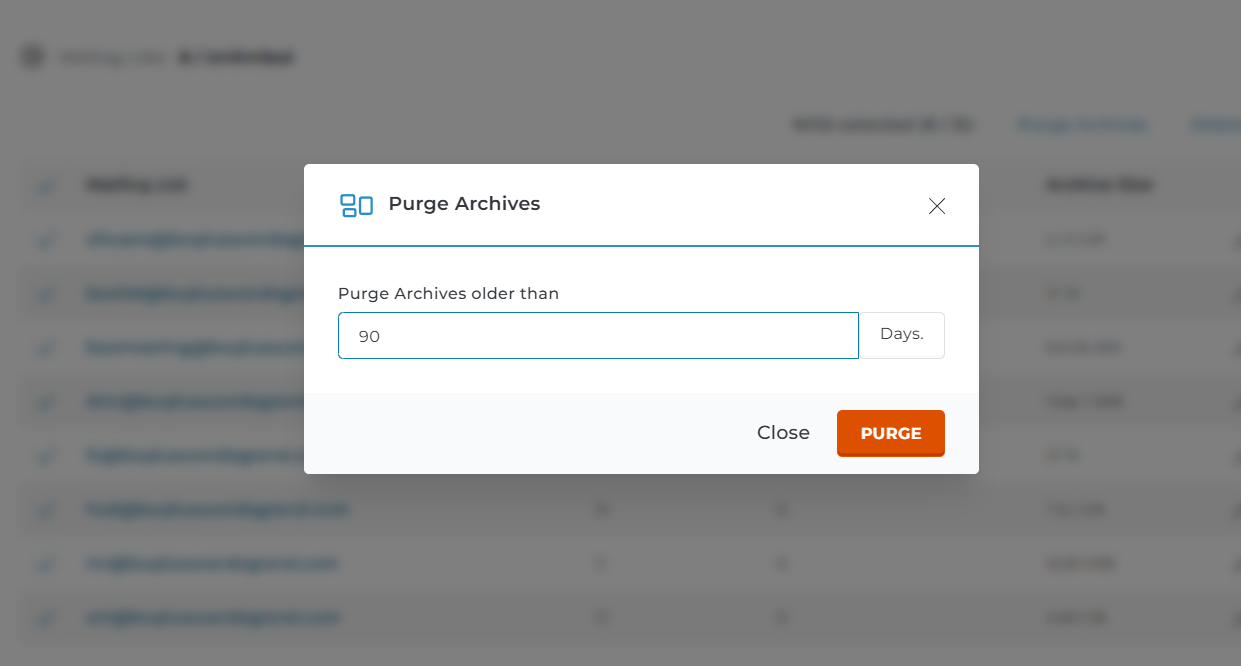
I would like to ask for clarification: if I perform “Purge Archives” in Majordomo, will it delete emails that have already been delivered to subscribers’ mailboxes, or will those emails remain unaffected?
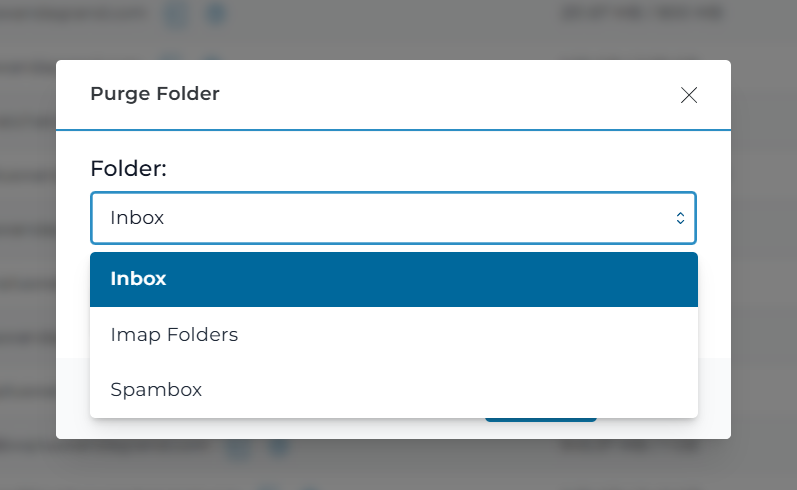
DirectAdmin currently support automatic Purge Folder Trash/Junk for Email Accounts?
Thank you., I love DA
Mailing Lists
> How can I exclude Majordomo Archives in the backup?
> DA Majordomo purge automatically?
How can I exclude Majordomo Archives in the DA Admin Backup and Restore?
I would like to back up only the mailing list configuration and subscriber email lists, without including the Majordomo archives.
How can this be configured?
In Admin Backup and Restore > Mailing Lists, the backup currently includes:
- user.admin.{username}.tar.gz
- backup/domain.com/email/majordomo/digests/{example}-digest
I suggest adding a “Mailing Lists Data” option to the Admin Backup and Restore feature. This would improve flexibility by allowing administrators to back up only essential mailing list data without the archives, resulting in more efficient and manageable backups.
DA Majordomo purge automatically?
I would like to ask for clarification: if I perform “Purge Archives” in Majordomo, will it delete emails that have already been delivered to subscribers’ mailboxes, or will those emails remain unaffected?
DirectAdmin currently support automatic Purge Folder Trash/Junk for Email Accounts?
Thank you., I love DA
Last edited:
